RVLevel User Manual
Release time:2026-05-30 Click:1341. Install APP
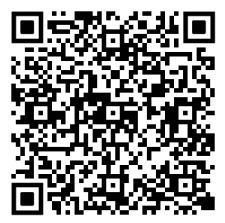
Scan the QR code below on your Android phone, search for the RV Level app from the app store on your Apple phone, download and install the app.
2. Initialize device
(1) It is necessary to initialize the device and RV before using it. Lightly press the button on the device, and the green light flashing indicates that the device is in a connectable state. Then open the installed application, scan and connect the device on the homepage (connect);
(3) Drive the RV onto a flat ground and level the vehicle using a traditional level。 After leveling, install the device on the RV according to the installation direction set in the previous step, and then perform device initialization settings on the “Settings” page.
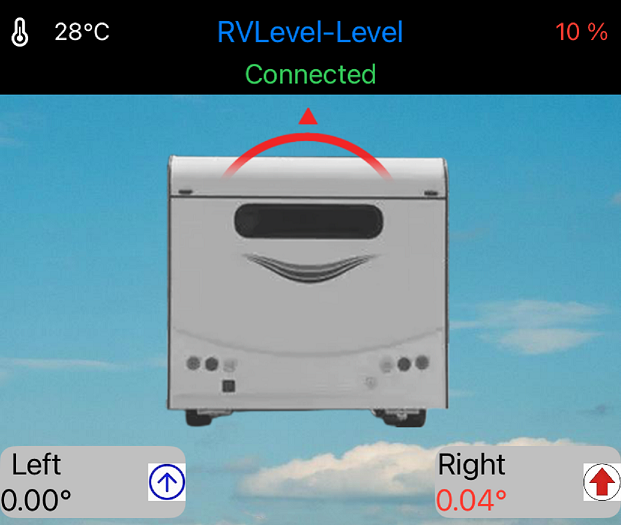
3. After the initialization settings are completed, you can happily use the device to level the vehicle in the future. Every time you use it, first go to the homepage (Connect) to scan and connect the device, then go to the “Levelling” page to level your RV.
Be careful:
1. Level mate should not be installed next to iron objects as much as possible.
2. The working temperature is 0-50 degrees.
3. During high-speed driving, data may be inaccurate.
4. Without using level mate, you can press and hold for more than 5 seconds to shut down, or in an unconnected state, shut down automatically after 24 hours.